
Found a Paint Color in a Photo? Find the Shade, Then See It in Your Room
Matching a color from a photo is two jobs: finding the closest named paint, and seeing whether it works in your own room. Here is how the first job works and where it goes wrong, and how our tool helps with the second.
Free account required. New accounts get 2 free renders (watermarked) in most countries, then paid plans.
What We Do and Do Not Do
We do not identify paint names, codes or hex values from a photo, and we do not hold a brand's color library. If you need the name of the closest paint, use a color-matching tool (next section). What we do is edit a photo of your own room: you describe a color in words, such as "a dusty rose pink", and the AI draws its best version on your walls so you can judge the look before you order samples.
The two steps work together: find a candidate shade with a matcher, then preview it here, then test a real sample.
Where to Find the Closest Named Paint
These are the options the sources below describe, in our words. We are not affiliated with any of them.
- Brand apps. A Bob Vila roundup says Behr's ColorSmart lets you upload a photo to color match a shade, Home Depot's Project Color matches colors from a photo in your camera roll or from items around you, and Sherwin-Williams ColorSnap matches a room shade from a screenshot, such as one saved from Pinterest, to a chip.
- Benjamin Moore Color Capture. Benjamin Moore's Color Portfolio page says Color Capture uses your phone's camera to find equivalent Benjamin Moore colors for an object in view.
- Multi-brand web matchers. Composite Paint offers a free online matcher that, per its own page, takes a photo, a hex code or a paint name and lists the closest paints from several brands.
- Physical devices. Bob Vila says Benjamin Moore's ColorReader, a separate handheld device, shows the three closest paint matches when placed on a flat surface.
We looked at these sources on 2026-10-15. Tool names and features change, so check each brand's page.
Why a Photo Is Only a Starting Point
- Composite Paint's matcher page says camera white balance, room lighting and the screen you view the photo on can all shift the colors, and that its results are a shortlist rather than a final spec.
- The same page says brand color values on screen are approximations of physical paint, because screens emit light and paint reflects it.
- Benjamin Moore's app page carries the note that on-screen and printer color representations may vary from actual paint colors.
- Practical tip from us: if you are sampling a color from a photo, use a spot that is evenly lit, and compare two or three spots, because a window or a lamp can change one patch of the same wall.
Previewing a Color You Describe, Before and After
AI-generated sample edits. The before photos are AI-generated sample rooms; the camera angle and light stay the same and the wall color changes. Each caption shows the sentence we typed and names anything else that changed.
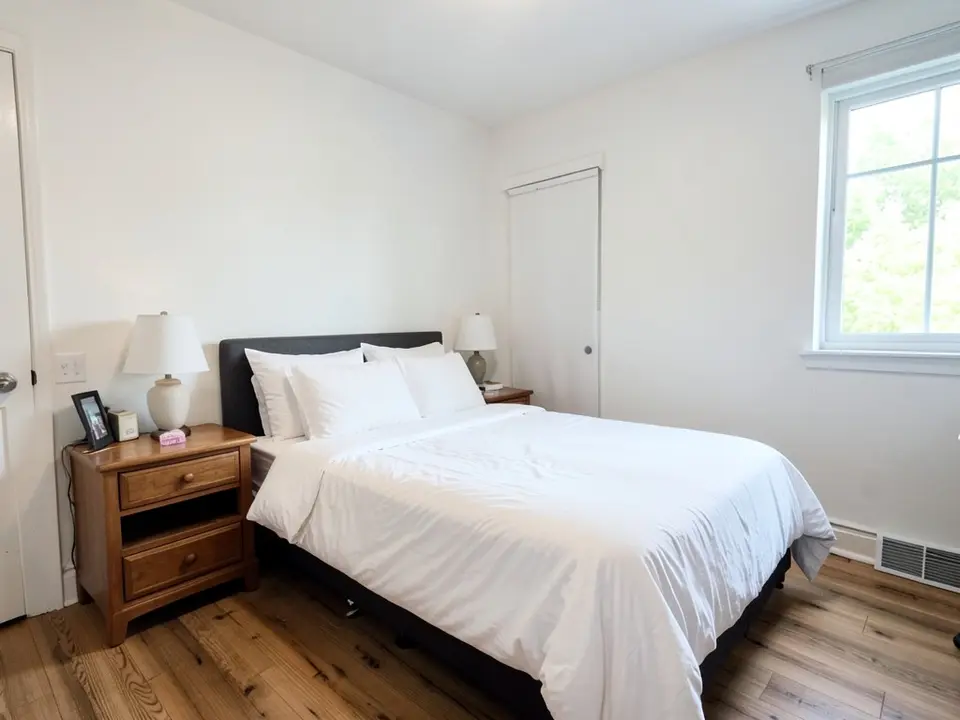 Before
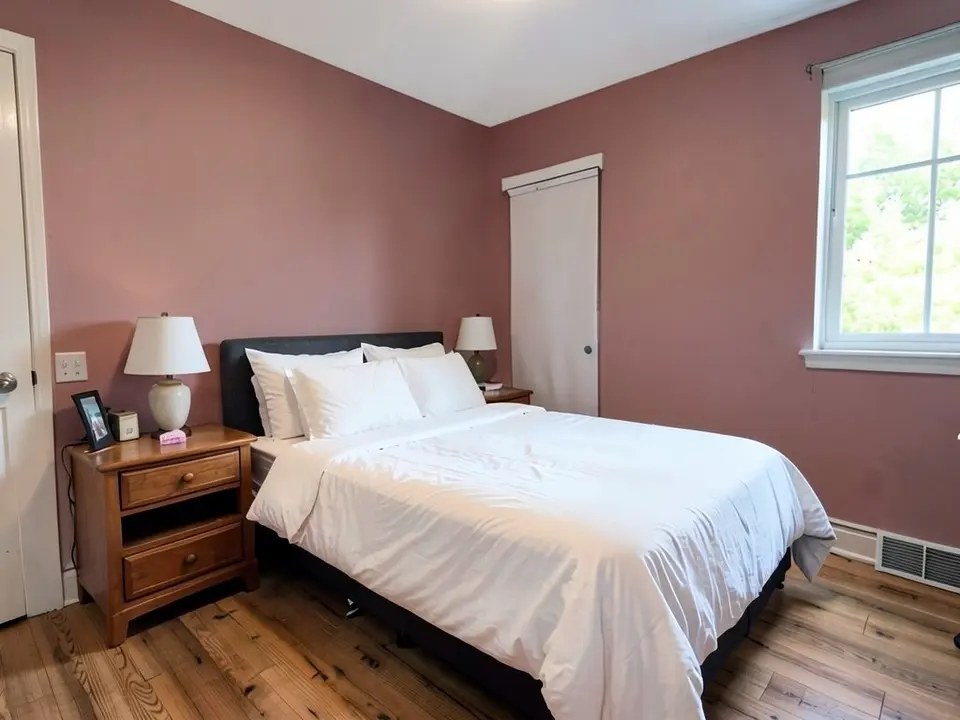 After
After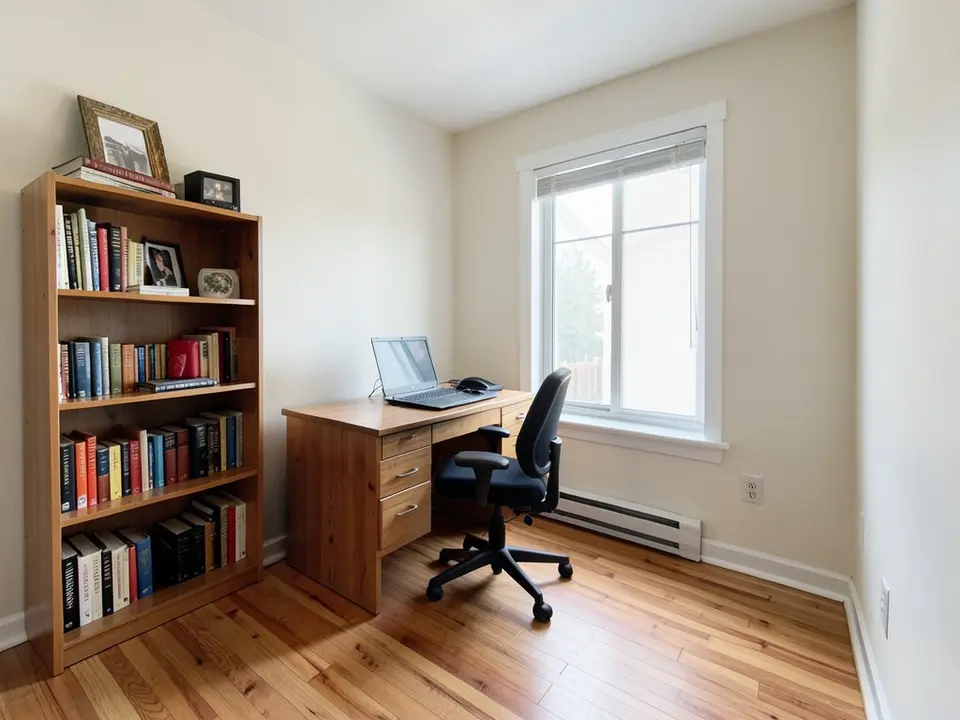 Before
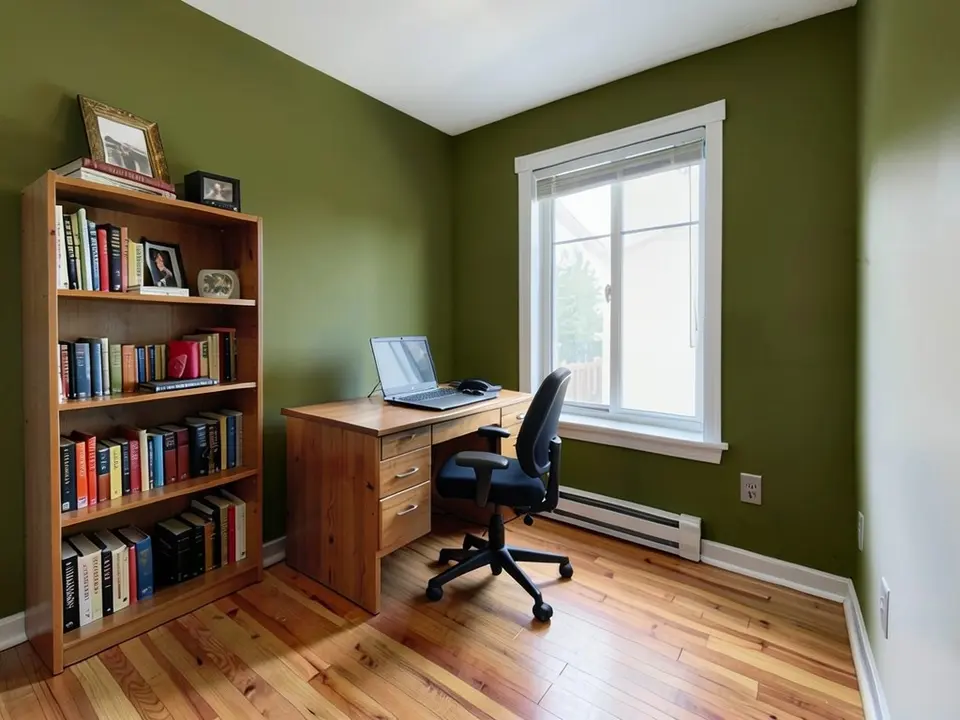 After
After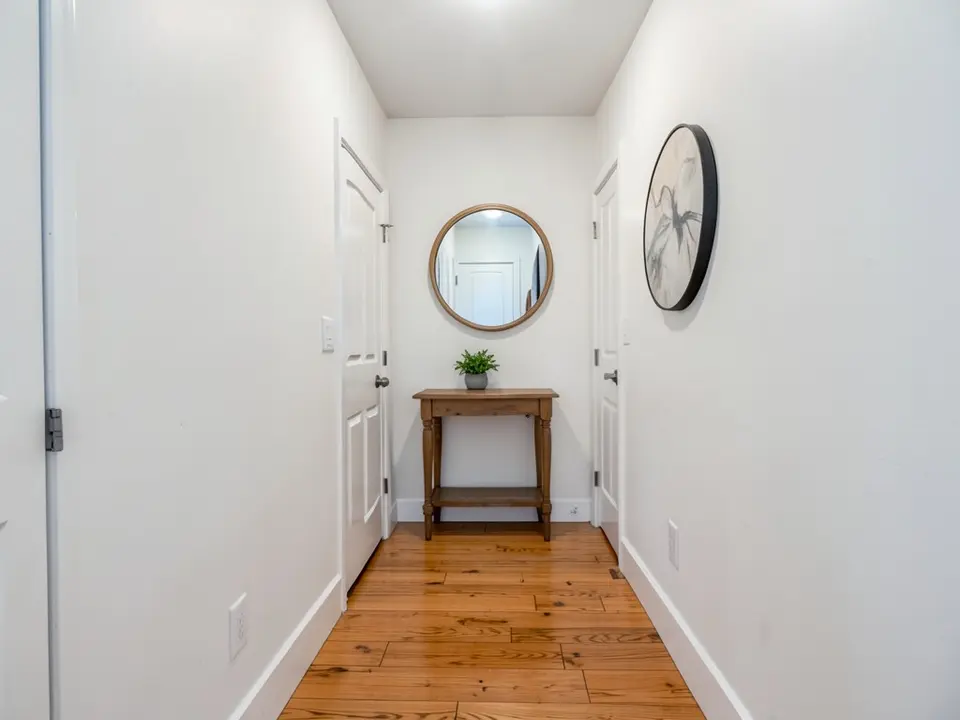 Before
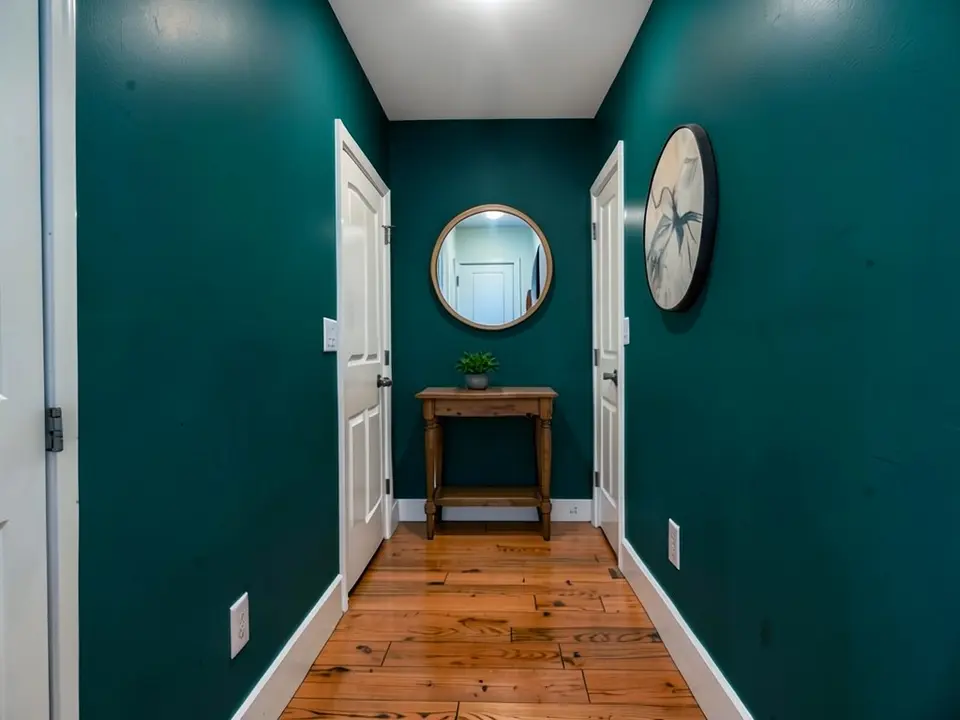 After
AfterFrom Inspiration Photo to Your Own Wall
- Find a candidate shade. Run the inspiration photo through a matcher from the list above and note the closest names.
- Describe it and preview it. Open the paint tool in Custom mode, upload a photo of your room and type the shade in words: "Paint only the walls a dusty rose pink, matte. Keep the bed, furniture and floor the same." Our render is an approximation of the description, not of a paint code. See also our paint visualizer.
- Test a real sample. Buy a sample of the closest match and look at it on your wall in morning and evening light before you commit.
Sources
- Bob Vila: paint color apps (Behr ColorSmart, Project Color, ColorSnap, Color Portfolio)
- Benjamin Moore: Color Portfolio app page (Color Capture, disclaimer)
- Composite Paint: free color matcher (accuracy notes)
All brand and tool names belong to their respective owners. This site is not affiliated with, sponsored by or endorsed by any of them.
Matching Paint Color From a Photo FAQ
Can you tell me the paint name or code from my photo?+
No. We do not read a paint name, code or hex value from a photo, and we do not hold any brand's color library. To find the closest named paints, use a color-matching tool such as the ones listed under Sources, or a paint counter. Then come back here to see how the shade might look in your own room.
How does this page help, then?+
It does two things. It explains how photo color matching works and where it goes wrong, with sources. And it points to the next step: once you have a shade in mind, you can describe it in words and our tool draws an approximation of it on a photo of your room.
Will a color from a photo match the real paint?+
Treat it as a starting point. A free matcher from Composite Paint says that camera white balance, room lighting and screen display can shift the colors in a photo, that brand color values on screen are approximations of physical paint, and that its results are a shortlist rather than a final spec. Benjamin Moore's own app page says on-screen color representations may vary from actual paint colors. Test a sample on your wall.
Which apps match a color from a photo?+
From a Bob Vila roundup: Behr's ColorSmart lets you upload a photo to color match a shade, Home Depot's Project Color matches colors from a photo or from items around you, and Sherwin-Williams ColorSnap matches a room shade from a screenshot to a chip. Benjamin Moore's page describes Color Capture, which uses your phone camera to find equivalent Benjamin Moore colors. Features change, so check each brand's own page.
Is it free?+
You need a free account to generate. New accounts in most countries get enough free credits for up to 2 renders, and free renders carry a small watermark. After that, paid plans on the pricing page give you more renders without the watermark.
Are you affiliated with the brands or tools mentioned?+
No. We are not affiliated with, sponsored by or endorsed by Behr, Home Depot, Sherwin-Williams, Benjamin Moore or Composite Paint. Their names belong to their owners and appear only to describe what their public pages say.
What photo should I use to preview the color on my room?+
A straight-on, well-lit photo of the room with the walls you want to change fully in the frame. Soft daylight gives the most even result.
See the Color on Your Own Walls
Upload one photo of your room, describe the shade, and compare a few options before you buy paint.