
A Different Way to Preview Paint: Your Photo, Any Color You Can Describe
Looking at the Sherwin-Williams ColorSnap or Color Expert visualizer? Here is what it does, taken from Sherwin-Williams' own pages, and what we do differently: you upload your own photo and describe the color in words.
Free account required. New accounts get 2 free renders (watermarked) in most countries, then paid plans.
What the Sherwin-Williams Visualizer Does
We read three Sherwin-Williams pages (listed under Sources below). This is what they say, in our words:
- Their Paint Color Visualizer page says you start by adding colors to a palette, then either pick a room scene that resembles your walls or upload your own photo to paint it virtually. It points you to the Color Expert app to visualize colors in your space.
- A Sherwin-Williams app page says that with the Color Expert app you can snap a photo of a room to preview colors on the walls, try colors on exterior items such as siding, trim, shutters and doors, get AI color suggestions for an interior, save favorite colors and order samples.
- The ColorSnap Visualizer app is listed on the Apple App Store as free, with the description that you can virtually paint any room, match colors from photos, save colors and paint your own walls.
- The colors are Sherwin-Williams colors. Their page also says the actual color may vary from the on-screen representation and advises checking a physical sample before you buy.
We checked these pages on 2026-10-14 and tool names and features may change, so check their site for current details. We are not affiliated with Sherwin-Williams.
What We Do Differently
You describe the color in words
Type "warm greige", "muted sage" or "dusty terracotta" and the AI draws its best version on your photo. You are not limited to a palette, but the result is an approximation, not a match to a particular brand's color.
It edits your own photo
You upload a photo of your house or room and the AI changes the part you name. There is no sample scene to pick first.
One sentence can change more than walls
Ask for only the cabinets, only the trim or only the garage door. See our cabinet, trim and garage door pages.
What it does not do
We do not hold a brand's color library, we cannot promise a paint match, and we do not sell paint or samples. If you need an exact Sherwin-Williams color or a sample, their tools and their color chips are the right place. You can use ours to explore a look and theirs to pick the exact can.
Colors Described in Words, Before and After
AI-generated sample edits. The before photos are AI-generated sample rooms and houses; the camera angle and light stay the same and the color changes. Each caption shows the sentence we typed and names anything else that changed.
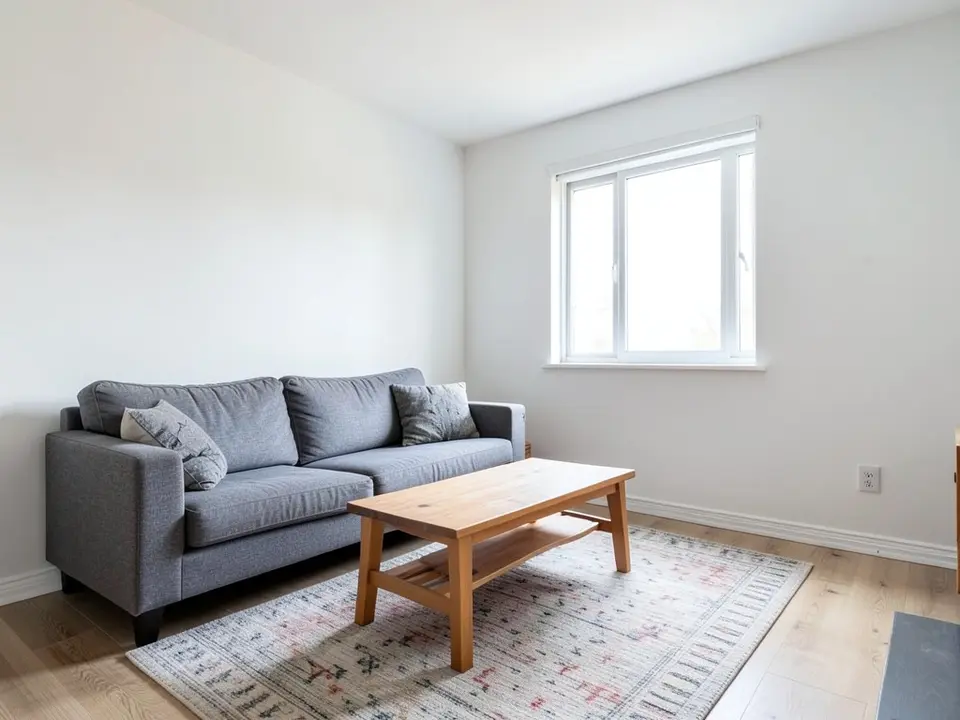 Before
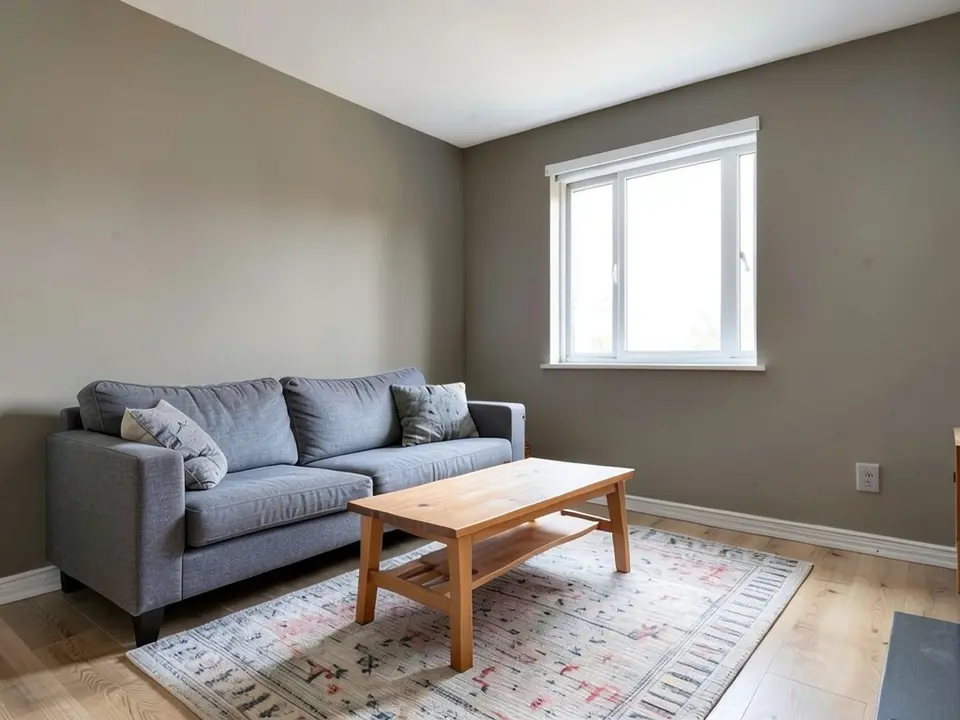 After
After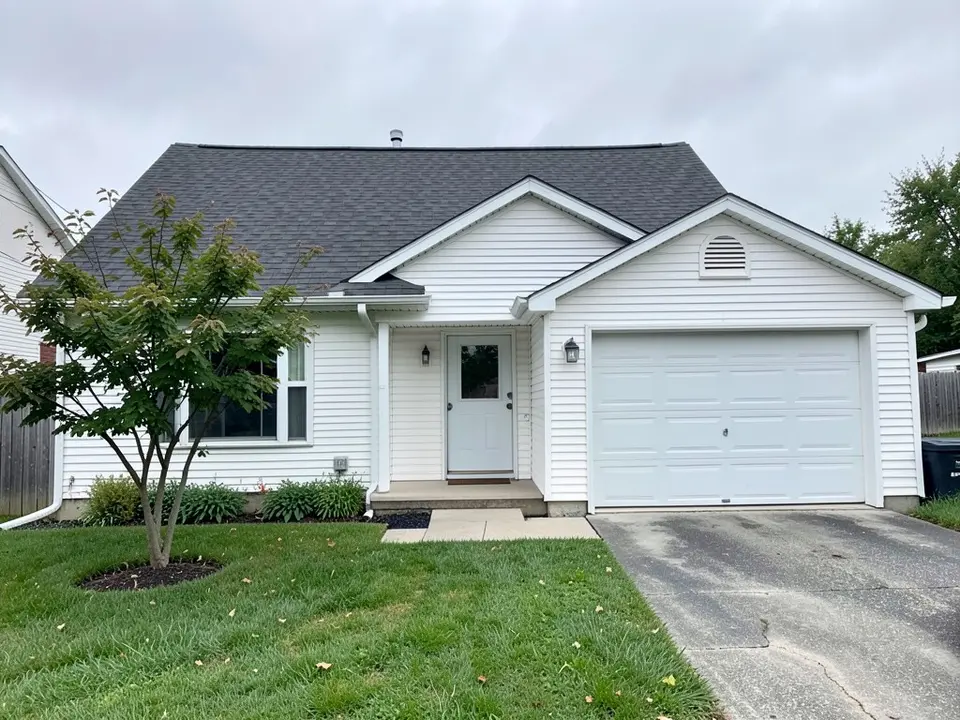 Before
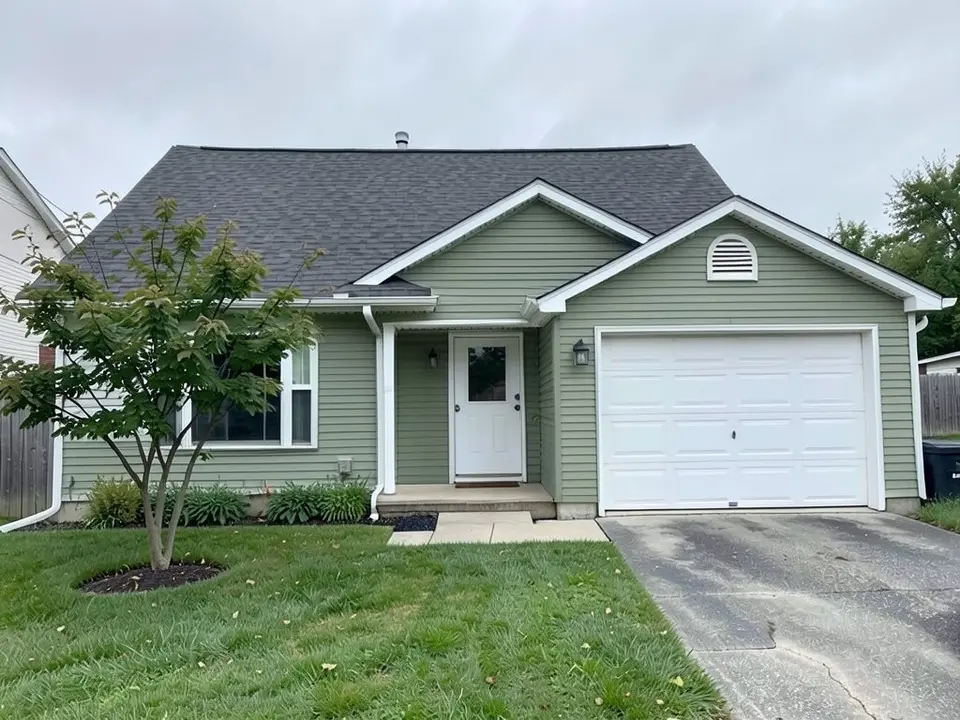 After
After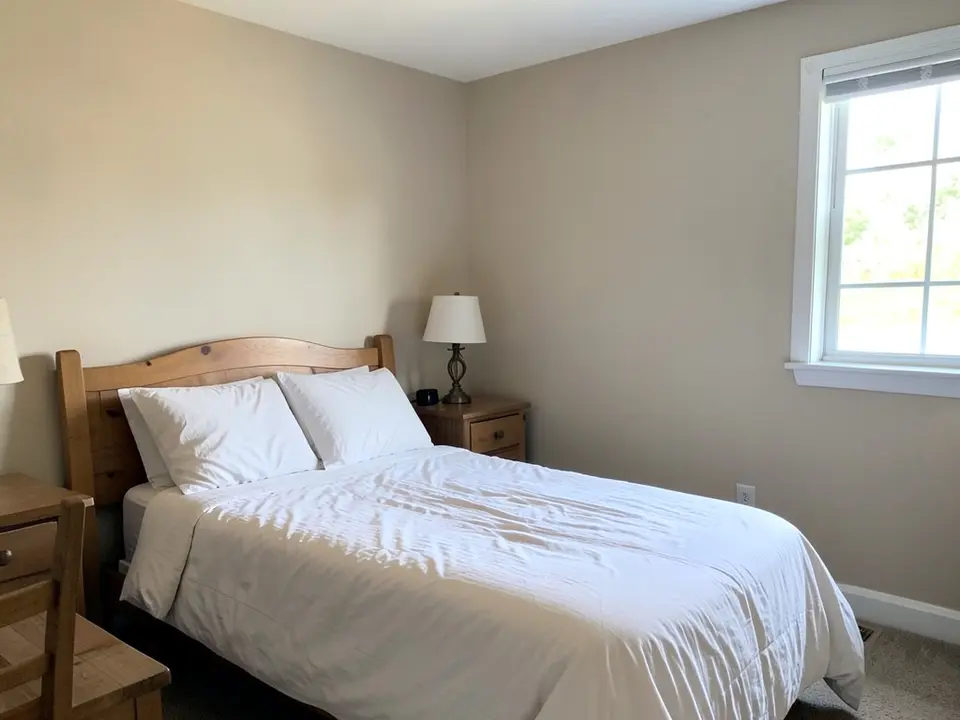 Before
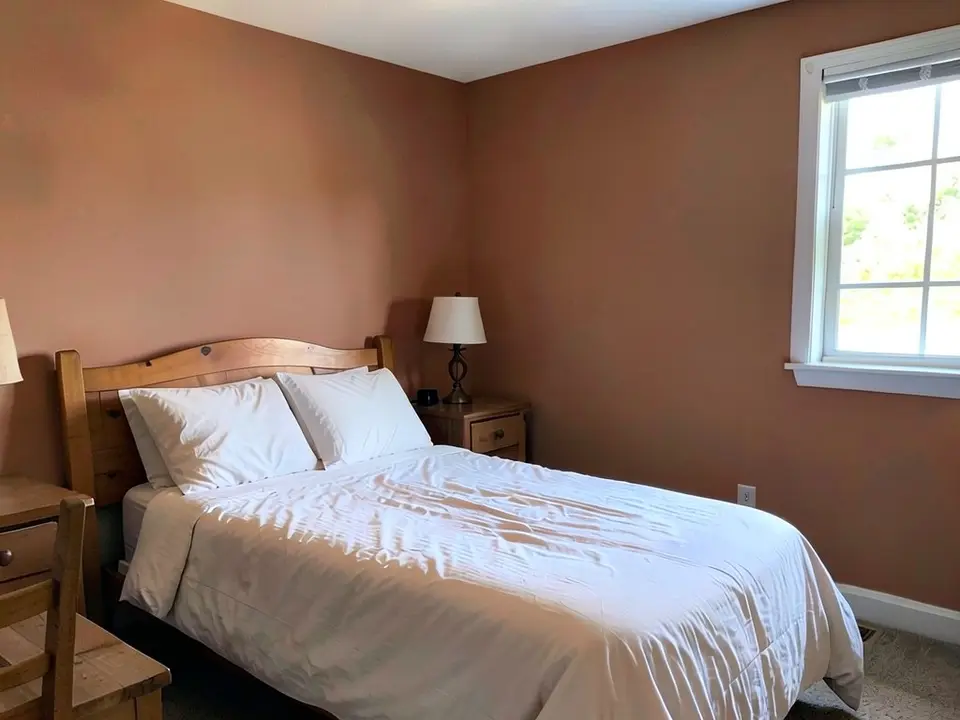 After
AfterHow to Try It on Your Own Home
- Take a clear photo. A straight-on photo in good light, with the walls or the surface you want to change fully in the frame.
- Open the paint tool in Custom mode. Upload the photo and describe the change: "Paint only the walls a warm greige, a soft mix of gray and beige, matte. Keep the furniture, floor and window the same." For the outside of a house, the exterior paint tool works the same way.
- Compare, then test a real sample. Render two or three options, then paint a sample from the brand you plan to buy and look at it in morning and evening light. A screen cannot replace that.
Sources
- Sherwin-Williams: Paint Color Visualizer page
- Sherwin-Williams: Color Expert app update page
- Apple App Store: ColorSnap Visualizer for iPad listing
Sherwin-Williams, ColorSnap and Color Expert are names of their respective owner. This site is not affiliated with, sponsored by or endorsed by Sherwin-Williams.
Sherwin-Williams Visualizer Alternative FAQ
Is this the Sherwin-Williams visualizer?+
No. This site is not affiliated with, endorsed by or connected to Sherwin-Williams. Sherwin-Williams, ColorSnap and Color Expert are names that belong to their owner. This page explains how their tool works from their own pages and describes a separate tool.
Can I use an exact Sherwin-Williams color here?+
You can type a color name or a description, but our render is an approximation, not a match to a specific product color, and we do not promise a match to any brand's paint. If you need an exact Sherwin-Williams color, use their own tools or a physical color chip, then compare it with our render as a rough preview.
How is it different from the Sherwin-Williams tool?+
From Sherwin-Williams' own pages, their visualizer is built around picking colors from their collection, adding them to a palette and applying them to a room scene or your photo. Ours works the other way around: you upload a photo and describe the change in words, so you can ask for a color that is not in anyone's palette, such as "a warm greige", and for changes beyond wall color, such as only the cabinets or only the trim.
Is it free?+
You need a free account to generate. New accounts in most countries get enough free credits for up to 2 renders, and free renders carry a small watermark. After that, paid plans on the pricing page give you more renders without the watermark. Sherwin-Williams lists its ColorSnap Visualizer app as free on the Apple App Store.
Do I need to sign up?+
Yes. Rendering requires an account so your credits and results can be saved. You can sign in with Google or a one-time code sent to your email.
Will the render match the paint on the wall?+
No visualizer can promise that. Sherwin-Williams itself says on its visualizer page that actual color may vary from the on-screen representation and advises checking a physical sample. Ours has the same limit: screens, camera white balance and room light change how a color reads. Test a real sample in your room before you buy.
What can it change besides wall color?+
Anything you can describe in a sentence. In Custom mode you can ask to repaint only the cabinets, only the trim, only the front door or the garage door, or only part of a wall. It is an AI edit, not a mask, so check the result for anything extra that changed, as the captions above point out.
What photo works best?+
A straight-on, well-lit photo of the room or the front of the house, with the surface you want to change fully in the frame. Soft daylight gives the most even result.
Preview a Color on Your Own Photo
Upload one photo, describe the color, and compare a few options before you buy paint.